3 Best AI Font Generators for Unique Typography
Create custom fonts with the 3 best AI font generators. Perfect for designers looking to add a unique touch to their branding and projects.
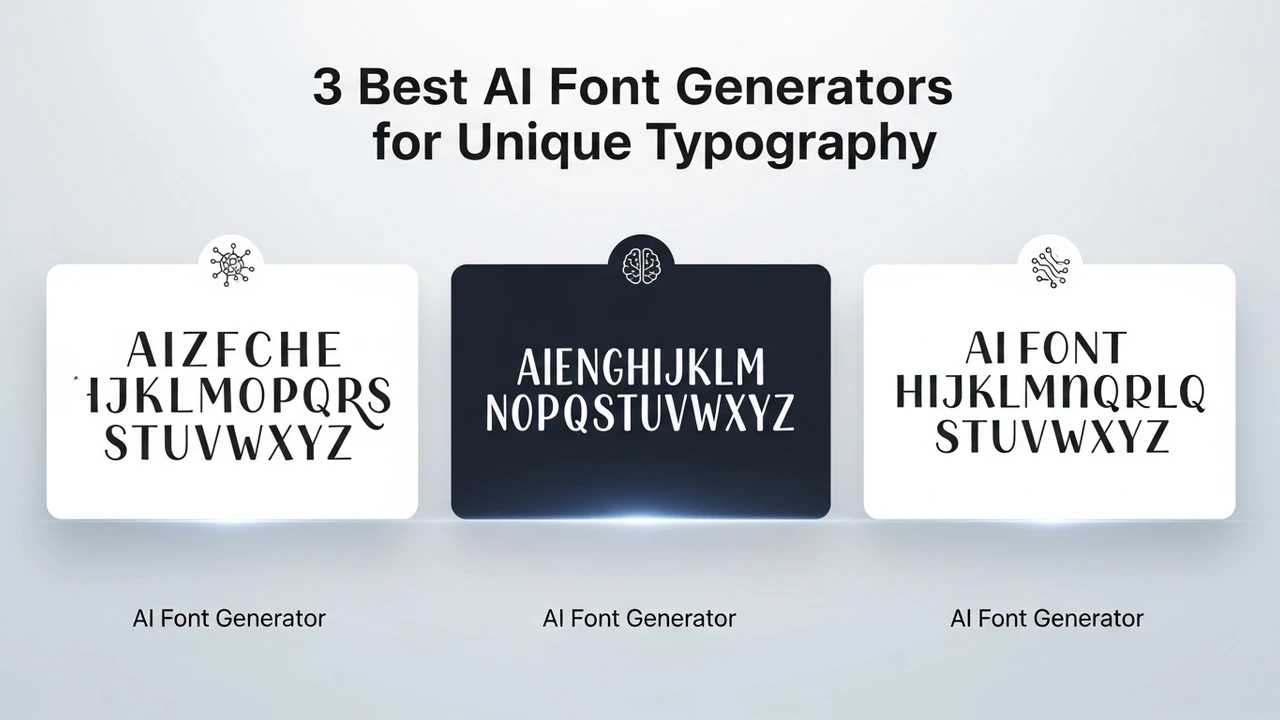
Create custom fonts with the 3 best AI font generators. Perfect for designers looking to add a unique touch to their branding and projects.
3 Best AI Font Generators for Unique Typography
Typography is the heartbeat of any design project. Whether you are building a brand identity from scratch or trying to give your social media graphics a fresh look, the right font can make all the difference. But let’s be honest, scrolling through thousands of generic fonts on Google Fonts or Adobe can get exhausting. That is where AI font generators come into play. They are changing the game by allowing you to create custom, one-of-a-kind typefaces that perfectly match your creative vision without needing a degree in type design.
Understanding AI Font Generation Technology
At its core, AI font generation uses machine learning models to analyze existing character sets and generate new, cohesive letterforms. These tools look at stroke weight, serif style, and spacing to ensure that every letter you type feels like it belongs to the same family. For designers, this means you can input a prompt or a sketch, and the AI will handle the heavy lifting of vectorizing and kerning. It is not just about speed; it is about unlocking a level of creative freedom that was previously locked behind expensive software and years of technical training.
Top 3 AI Font Generators for Modern Designers
If you are ready to dive into the world of AI-driven typography, here are the three best tools currently leading the market. Each offers a different approach to font creation, so you can choose the one that fits your workflow best.
1. Fontself Maker
Fontself is a powerhouse for those who already use Adobe Illustrator or Photoshop. It is an extension that turns your hand-drawn letters into functional OpenType fonts in seconds. You simply drag and drop your shapes, and Fontself handles the technical side of font creation. It is perfect for artists who want to digitize their unique handwriting or custom lettering styles. Pricing starts at a one-time fee of around $39, making it an incredibly affordable investment for any creative professional.
2. Calligraphr
If you want to turn your actual handwriting into a font, Calligraphr is the go-to choice. You print out a template, fill it in with your own pen, and upload the scan. The AI then processes your handwriting into a digital font file. It is fantastic for personal branding or adding a human touch to digital invitations and journals. They offer a free tier to get you started, with a Pro version available for about $8 per month that allows for more complex character sets and ligatures.
3. BirdFont
BirdFont is a more robust, standalone editor that incorporates AI-assisted features to help you draw vector paths more efficiently. It is great for those who want to build a font from the ground up but need a little help with the precision of curves and nodes. It is highly versatile and supports various export formats, including TTF and EOT. The software is free for personal use, while commercial licenses start at a very reasonable one-time price of $10.
Comparing AI Font Tools for Different Use Cases
Choosing the right tool depends entirely on your project goals. If you are a digital artist looking to turn sketches into fonts, Fontself is your best bet because of its seamless integration with Adobe tools. If you are looking for that authentic, handwritten aesthetic for a personal project, Calligraphr is unbeatable in terms of ease of use. For those who want to get into the nitty-gritty of professional font design, BirdFont provides the most control over the vector paths.
Practical Tips for Using AI Fonts in Branding
When you use an AI-generated font, remember that readability is still king. Just because you can create a wild, experimental typeface doesn't mean you should use it for your body copy. Use your custom AI fonts for headlines, logos, and social media headers where you want to make a bold statement. Pair them with a clean, legible sans-serif font for your paragraphs to ensure your message remains clear. Always test your generated fonts across different screen sizes and print materials to make sure the kerning holds up. The beauty of these AI tools is that you can always go back and tweak the character shapes until they are absolutely perfect for your brand identity.
:max_bytes(150000):strip_icc()/277019-baked-pork-chops-with-cream-of-mushroom-soup-DDMFS-beauty-4x3-BG-7505-5762b731cf30447d9cbbbbbf387beafa.jpg)