3 Best AI Video Editors for Social Media Content
Create viral videos with the 3 best AI video editors. Learn how to automate editing, add effects, and optimize content for TikTok and Instagram.
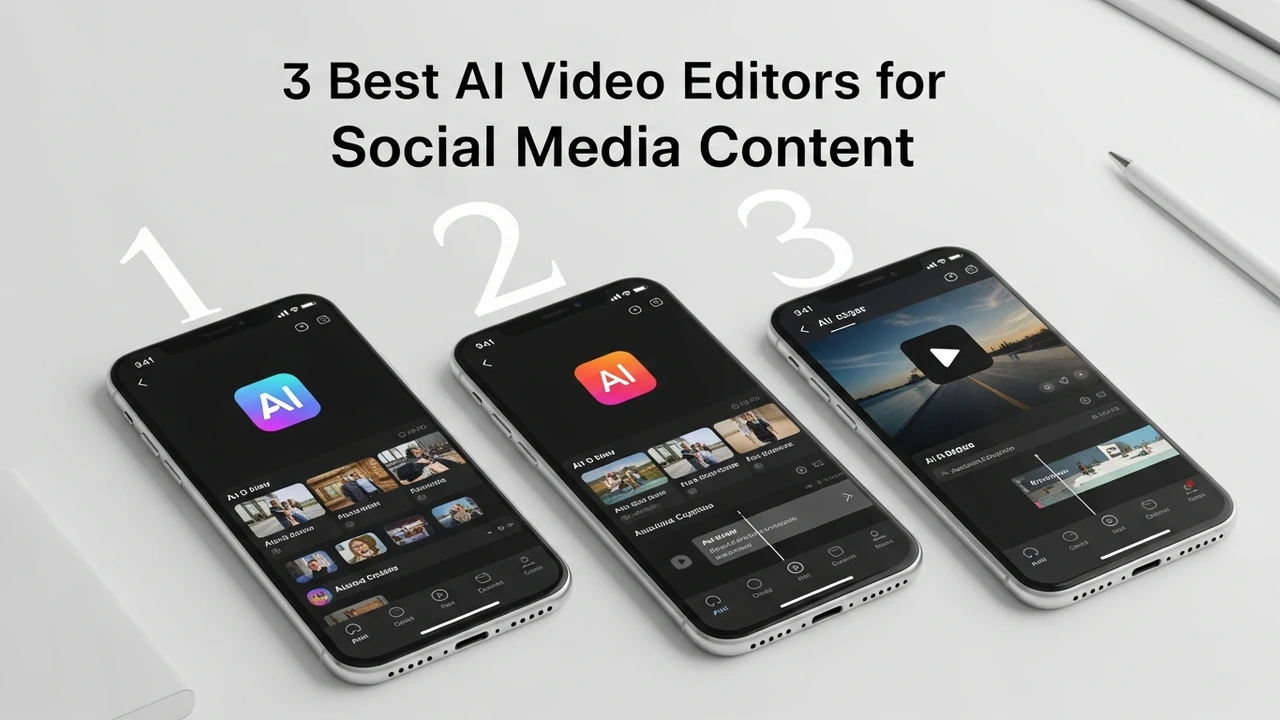
3 Best AI Video Editors for Social Media Content
Create viral videos with the 3 best AI video editors. Learn how to automate editing, add effects, and optimize content for TikTok and Instagram.
If you are a content creator, you know the struggle of spending hours in front of a timeline, cutting clips, adjusting audio, and trying to make your transitions look smooth. It is exhausting, right? But here is the good news: AI video editing tools have completely changed the game. You no longer need to be a professional editor to produce high-quality, engaging content that stops the scroll on TikTok, Instagram Reels, or YouTube Shorts. Today, we are diving into the three best AI video editors that will save you time and help you grow your audience.
Top AI Video Editing Software Features and Capabilities
Modern AI video editors are not just about trimming clips. They are packed with features like auto-captioning, smart reframing, background noise removal, and even text-to-video generation. When you are looking for the right tool, you want something that understands the rhythm of social media. You need software that can automatically detect the best moments in your raw footage and highlight them. This is where AI shines—it does the heavy lifting so you can focus on the creative strategy.
Descript for Seamless Text Based Editing
Descript is arguably the most revolutionary tool for creators who talk to the camera. Instead of scrubbing through a timeline, you edit your video by editing the transcript. If you delete a word in the text, it deletes the corresponding video clip. It is incredibly intuitive. For social media managers, the 'Overdub' feature is a lifesaver, allowing you to fix audio mistakes without re-recording. It also offers excellent studio-quality sound enhancement with a single click. Pricing starts at around $12 per month for the Creator plan, making it a very accessible option for solo creators.
CapCut for Viral Social Media Trends
If you are obsessed with TikTok and Instagram trends, CapCut is your best friend. Owned by ByteDance, it is deeply integrated with the social media ecosystem. Its AI features include auto-generated captions, trending music suggestions, and a massive library of effects that are updated daily. The 'AutoCut' feature is perfect for beginners; you just upload your photos or clips, and the AI builds a rhythmic edit for you. The best part? The core features are free, with a Pro version available for $7.99 per month that unlocks advanced AI effects and cloud storage.
Adobe Premiere Pro with Sensei AI Integration
For those who need professional-grade control, Adobe Premiere Pro is the industry standard, now supercharged with Adobe Sensei AI. Features like 'Auto Reframe' automatically adjust your horizontal video to vertical for Reels or TikTok without losing the subject. 'Speech to Text' is incredibly accurate, saving you hours of manual captioning. While it has a steeper learning curve, the power it gives you is unmatched. It is part of the Creative Cloud suite, typically costing around $22.99 per month for the single app, which is a solid investment for serious creators.
Comparing AI Video Tools for Your Workflow
Choosing the right tool depends on your specific needs. If you are a podcaster or a talking-head creator, Descript is unbeatable. If you are a lifestyle influencer who needs to jump on trends quickly, CapCut is the clear winner. If you are a professional filmmaker or a brand manager who needs high-end production value, Adobe Premiere Pro is the way to go. Think about your daily workflow: do you need speed, or do you need precision? Most creators actually end up using a combination of these tools, perhaps using CapCut for quick edits and Premiere for long-form content.
Optimizing Your Content Strategy with AI
Using these tools is just the first step. To truly succeed, you need to leverage the AI's ability to analyze what works. Many of these platforms now offer insights into which clips are performing better. By automating the tedious parts of editing, you free up your mental energy to focus on storytelling, lighting, and engagement. Remember, the AI is your assistant, not your replacement. Your unique voice and perspective are what keep your audience coming back. Start experimenting with these tools today and watch how much faster you can turn your ideas into viral reality.
:max_bytes(150000):strip_icc()/277019-baked-pork-chops-with-cream-of-mushroom-soup-DDMFS-beauty-4x3-BG-7505-5762b731cf30447d9cbbbbbf387beafa.jpg)