3 Best AI Comic Book Creators for Storytellers
Write and illustrate your own comics with the 3 best AI tools. Compare character consistency and panel layout features.
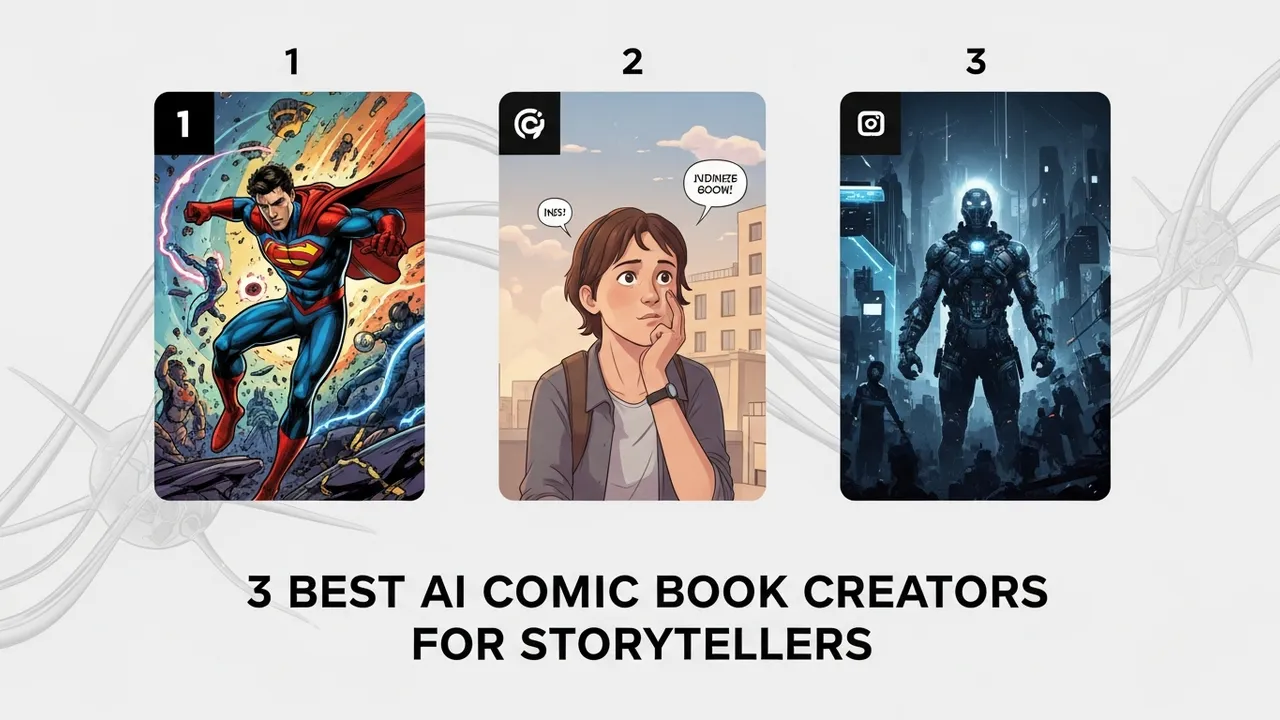
Write and illustrate your own comics with the 3 best AI tools. Compare character consistency and panel layout features.
3 Best AI Comic Book Creators for Storytellers
Have you ever had a killer idea for a graphic novel but felt held back because you couldn't draw a straight line to save your life? You are definitely not alone. The barrier to entry for comic book creation used to be massive—you needed years of art school, expensive software, and endless patience. But today, the landscape has shifted dramatically. With the rise of generative AI, anyone with a story to tell can become a comic creator. It is honestly a game-changer for indie writers and creative hobbyists.
Top AI Comic Book Creator Tools for Character Consistency
The biggest hurdle in AI-generated comics has always been character consistency. You don't want your protagonist to look like a completely different person in every single panel. Thankfully, tools have evolved to handle this. Let's look at the top contenders.
First up is Comicai. This platform is specifically built for the comic workflow. It allows you to upload your own character references and maintain their look across multiple frames. It is incredibly intuitive for beginners. You get a drag-and-drop interface where you can place your characters into pre-set backgrounds. Pricing starts with a generous free tier, and pro plans hover around $15 to $30 per month depending on your generation needs.
Next is Storyboarder AI. This one is a bit more technical but offers incredible control over panel layouts. If you are a storyteller who cares about pacing and cinematic framing, this is your go-to. It uses a seed-based system to keep your character's facial features stable. It is perfect for storyboarding a script before you commit to a full-color production. They offer a subscription model starting at $20 monthly.
Finally, we have Midjourney combined with Canva. While not a single "comic app," this is the professional's choice. You use Midjourney’s advanced character reference features (the --cref command) to generate consistent character sheets, then move those assets into Canva or a dedicated comic layout tool to add speech bubbles and panel borders. It requires more manual work, but the artistic quality is unmatched. Midjourney plans start at $10 per month.
Comparing AI Comic Generation Features and Use Cases
When you are choosing your tool, think about your specific use case. Are you making a quick webcomic for social media, or are you trying to publish a long-form graphic novel? If you are doing a webcomic, Comicai is your best friend because it handles the text and layout automatically. You can literally go from script to finished page in under an hour.
If you are a serious storyteller, you might find the automated tools a bit limiting. That is where the Midjourney workflow shines. You get full control over the art style—whether you want a gritty noir look or a bright, manga-inspired aesthetic. The trade-off is that you have to do the layout yourself. It is a classic trade-off between convenience and creative freedom.
Pricing and Accessibility for Aspiring Comic Artists
Let’s talk money. Most of these tools operate on a credit-based system. Comicai is great for those who want an all-in-one solution without needing to learn complex prompting. You are paying for the convenience of having the paneling and text bubbles handled for you. Storyboarder AI is mid-range, offering a balance of power and ease. Midjourney is the most cost-effective if you are a high-volume creator, as their pro plans offer unlimited generation in 'relax' mode.
Regardless of which tool you pick, the most important thing is your script. AI is just a brush; you are the painter. Start by writing a simple three-panel gag strip. Get used to how the AI interprets your descriptions. Once you master the prompt engineering for your main character, the rest of the story will flow much faster. Don't get discouraged if the first few panels look a bit weird—that is just part of the learning curve. Keep experimenting, keep refining your prompts, and most importantly, keep telling your stories. The world is waiting to see what you create, and there has never been a better time to jump in and start building your own comic universe.
:max_bytes(150000):strip_icc()/277019-baked-pork-chops-with-cream-of-mushroom-soup-DDMFS-beauty-4x3-BG-7505-5762b731cf30447d9cbbbbbf387beafa.jpg)