4 Best AI Animation Software for Beginners
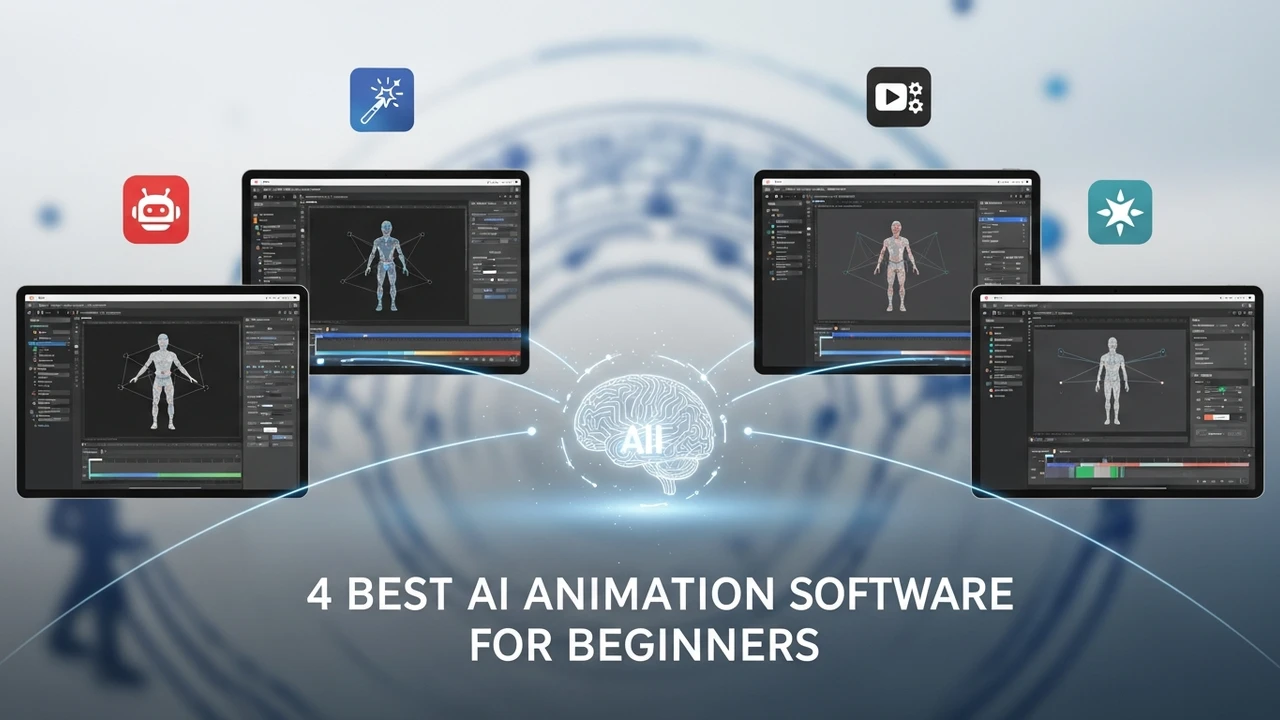
Bring your ideas to life with the 4 best AI animation software. Compare ease of use and rendering speed for 2D and 3D projects.
4 Best AI Animation Software for Beginners
Bring your ideas to life with the 4 best AI animation software. Compare ease of use and rendering speed for 2D and 3D projects.
Why AI Animation Software is Changing the Game for Creators
If you have ever spent weeks trying to keyframe a simple character movement, you know the pain of traditional animation. It is tedious, technical, and frankly, a massive time sink. But here is the good news: the landscape has shifted. AI animation software has arrived to take the heavy lifting off your shoulders. Whether you are a YouTuber looking to spice up your content, a small business owner needing a quick explainer video, or just someone with a creative itch, these tools are absolute game-changers. You do not need a degree in computer graphics anymore to produce professional-looking motion. The barrier to entry has been smashed, and it is time to dive into the best tools available right now.
Top 4 AI Animation Software Picks for Beginners
Choosing the right tool can be overwhelming because there are so many options out there. I have narrowed it down to the four most accessible and powerful platforms that actually deliver on their promises. We are looking at tools that prioritize user experience without sacrificing the quality of the final output.
1. Adobe Character Animator
Adobe is a household name for a reason. Their Character Animator tool is essentially magic for anyone who wants to create 2D animations using their own body. You literally sit in front of your webcam, and the software tracks your facial expressions and movements in real-time, applying them to a digital puppet. It is incredibly intuitive. If you smile, your character smiles. If you blink, they blink. It is perfect for live streaming or creating quick character-driven content. Pricing starts around $20.99 per month as part of the Creative Cloud suite. It is a bit of an investment, but for the level of control you get, it is worth every penny.
2. Runway Gen-2
Runway is the heavyweight champion when it comes to text-to-video and image-to-video generation. If you have a vision in your head, you can type it out, and Runway will generate the animation for you. It is not just about simple movements; it is about creating cinematic scenes from scratch. The 'Motion Brush' feature is a standout—you just paint over the area of an image you want to move, and the AI handles the rest. It is perfect for social media creators who need high-quality, artistic visuals. They offer a free tier to get you started, with paid plans starting at $12 per month.
3. Vyond
If you are in the business world, Vyond is your best friend. It is designed specifically for creating professional explainer videos, training modules, and marketing content. The library is massive, filled with pre-built characters, backgrounds, and props. The AI features here help you automate the lip-syncing and character movement, so you can focus on the script. It is incredibly fast to produce a video that looks like it cost thousands of dollars to make. Pricing is a bit higher, starting around $49 per month, but for businesses, the ROI is clear.
4. Animaker
Animaker is the ultimate drag-and-drop powerhouse. It is built for people who have zero experience in animation. The interface is clean, simple, and very friendly. You can create complex 2D animations by just dragging elements onto the canvas. Their AI voiceover tool is also top-notch, allowing you to generate natural-sounding speech for your characters in seconds. It is very affordable, with a generous free plan and premium tiers starting at just $10 per month. It is the perfect starting point for anyone intimidated by more complex software.
Comparing Features and Use Cases for Your Creative Projects
When you look at these four, you have to think about what you are actually trying to build. If you are doing character-based storytelling, Adobe Character Animator is the clear winner. If you are looking for artistic, cinematic, or abstract visuals, Runway is where you want to be. For corporate or educational content, Vyond is the industry standard. And if you just want to make fun, quick videos for social media without any stress, Animaker is your go-to. The rendering speeds across these platforms have improved drastically, with most cloud-based options like Runway and Animaker handling the heavy processing on their servers, meaning you do not need a supercomputer to get great results.
Final Thoughts on Choosing Your AI Animation Tool
At the end of the day, the best software is the one you actually enjoy using. Do not get caught up in the 'analysis paralysis' of comparing every single feature. Pick one, sign up for the free trial, and just start playing around. You will be surprised at how quickly you can go from a blank screen to a finished animation. The technology is only going to get better, so jumping in now puts you ahead of the curve. Whether you are building a brand, telling a story, or just experimenting, these tools are here to make sure your creativity is never limited by your technical skills. Go ahead and start animating—you have got this.
:max_bytes(150000):strip_icc()/277019-baked-pork-chops-with-cream-of-mushroom-soup-DDMFS-beauty-4x3-BG-7505-5762b731cf30447d9cbbbbbf387beafa.jpg)