4 Best AI Portrait Generators for Professional Avatars
Get the perfect headshot with the 4 best AI portrait generators. Compare styles, lighting, and customization for your social media profiles.
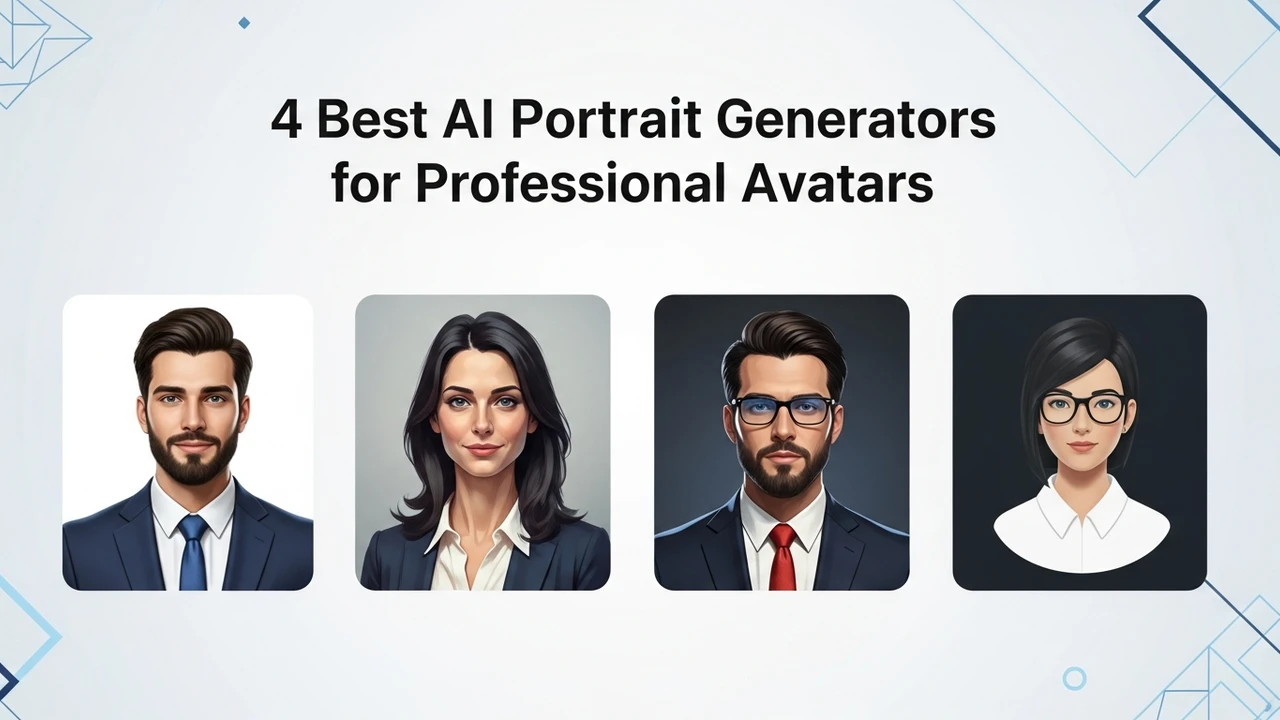
Get the perfect headshot with the 4 best AI portrait generators. Compare styles, lighting, and customization for your social media profiles.
4 Best AI Portrait Generators for Professional Avatars
Let’s be real—getting a professional headshot used to be a massive headache. You had to book a photographer, find a studio, spend hours under hot lights, and then wait weeks for the edits. But now? You can get studio-quality results from your couch using just a few selfies. AI portrait generators have completely changed the game for freelancers, corporate professionals, and anyone who needs a polished look for LinkedIn or their personal website. If you are tired of cropping your face out of group photos, this guide is for you.
Top AI Portrait Generator Tools for Business Professionals
When we talk about AI portrait generators, we are looking for tools that don't just slap a filter on your face. We want software that understands lighting, skin texture, and professional attire. Here are the four heavy hitters currently dominating the market.
First up is Aragon AI. This is arguably the gold standard for corporate headshots. It takes about 10 to 20 of your casual photos and trains a model to generate images that look like you, but in a suit or business casual wear. It’s incredibly popular because it handles lighting and background blur with professional precision.
Next, we have Try It On AI. This one is fantastic if you are on a budget. It offers a very straightforward process: upload your photos, wait for the processing, and get a variety of styles back. It’s less about "customization" and more about "volume," giving you dozens of options to choose from.
Then there is Remini. You might know it as a photo enhancer, but their AI portrait feature is surprisingly robust. It’s great for people who want a more "glamorous" or "polished" look rather than a strictly corporate one. It’s perfect for influencers or creative professionals.
Finally, HeadshotPro is the go-to for teams. If you are a manager trying to get consistent headshots for your entire department, this is the tool. It allows you to set a specific background and clothing style so everyone on your team looks like they were shot in the same studio.
Comparing AI Portrait Generator Features and Pricing
Choosing the right tool depends on what you actually need. Aragon AI usually starts around $29 for a basic package, which is a steal compared to a $300 photography session. It’s best for those who need that "I just walked out of a high-end studio" look.
Try It On AI is often cheaper, sometimes starting as low as $17. It’s perfect for students or job seekers who need a quick upgrade without breaking the bank. However, you might find that the consistency isn't quite as high as Aragon, so you might have to sift through more "dud" photos to find the gems.
HeadshotPro operates on a per-person or per-team basis. It’s more expensive, often starting at $39 per person, but the value is in the consistency. If you need your team to look uniform on your company website, the extra cost is worth every penny for the time you save.
Remini is usually subscription-based, which is great if you plan on updating your profile picture frequently. If you like to change your look every month, the monthly fee is much more economical than paying for individual packs on other platforms.
Best Use Cases for AI Generated Professional Avatars
So, when should you actually use these? Obviously, LinkedIn is the big one. A high-quality headshot can increase your profile views significantly. But don't stop there. These portraits are perfect for your email signature, your Slack or Microsoft Teams profile, and even your speaker bio if you are doing webinars or podcasts.
Another great use case is for your personal portfolio or website. If you are a consultant, having a professional image builds immediate trust. It tells your clients that you take your business seriously. Even for dating apps, some people use these tools to get a more "approachable" yet professional look, though that’s a whole different conversation.
The key is to use a variety of source photos. Don't just upload 10 photos of you wearing the same shirt in the same lighting. Give the AI some variety—different angles, different backgrounds, and different expressions. The more data you give the AI, the more "human" and less "uncanny valley" the final result will look.
Tips for Getting the Best Results from AI Portrait Tools
To get the best results, lighting is everything. Even though the AI will change the background, it can't fix a blurry or poorly lit source photo. Use photos taken in natural light, like near a window. Avoid heavy shadows on your face. Also, keep your expressions natural. If you never smile with your teeth, don't upload photos where you are grinning ear-to-ear, or the AI might struggle to map your features correctly.
Remember that these tools are constantly evolving. What was "good" six months ago is now "average." Keep an eye on the platforms that offer "style transfer" or "clothing swap" features, as these are becoming the new standard. You don't need to be a tech wizard to use these; just be patient with the upload process and don't be afraid to try a few different platforms if the first one doesn't give you the exact look you are aiming for. Your professional brand is worth the extra ten minutes of effort.
:max_bytes(150000):strip_icc()/277019-baked-pork-chops-with-cream-of-mushroom-soup-DDMFS-beauty-4x3-BG-7505-5762b731cf30447d9cbbbbbf387beafa.jpg)