4 Best AI Virtual Assistants for Daily Planning
Manage your day with the 4 best AI virtual assistants. Compare voice control, integration, and task management features for a smarter lifestyle.
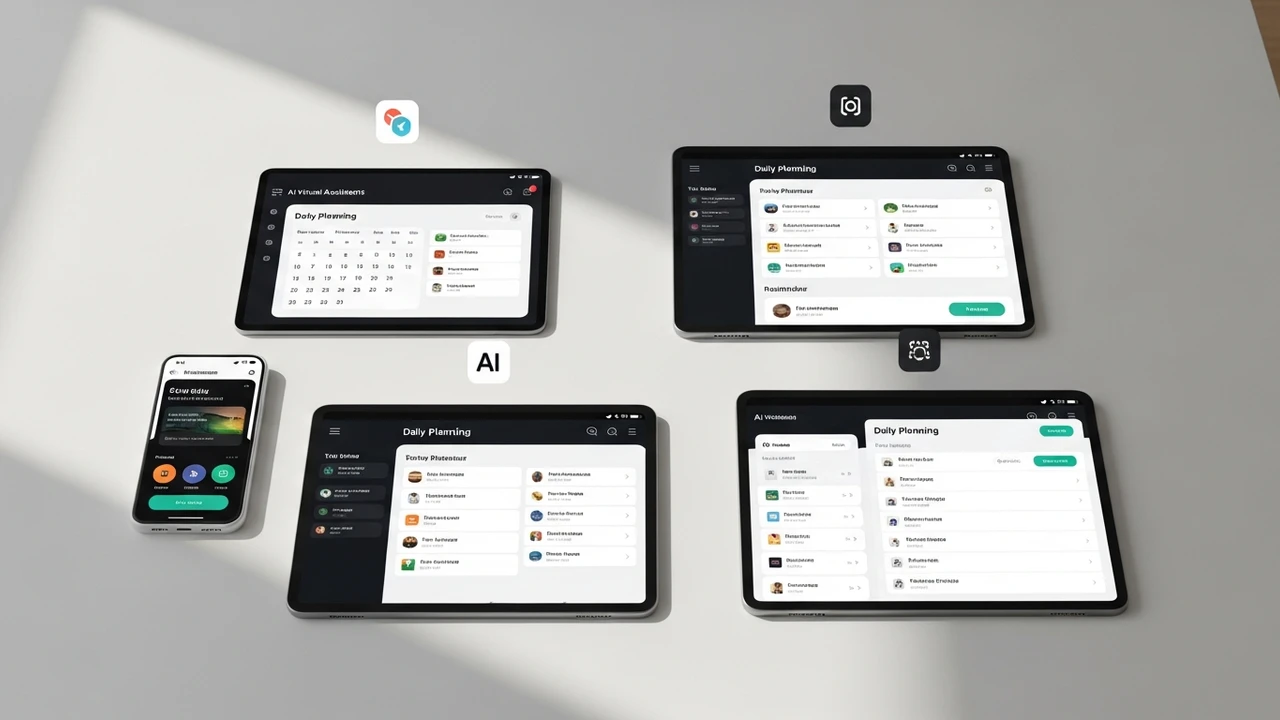
4 Best AI Virtual Assistants for Daily Planning
Manage your day with the 4 best AI virtual assistants. Compare voice control, integration, and task management features for a smarter lifestyle.
Ever feel like your to-do list is running your life instead of the other way around? We have all been there. Between juggling work deadlines, personal errands, and trying to squeeze in a bit of self-care, the mental load can be overwhelming. That is where AI virtual assistants come into play. These aren't just glorified alarm clocks; they are sophisticated digital partners designed to streamline your schedule, automate repetitive tasks, and keep your brain from turning into mush by the end of the day. Let’s dive into the four best AI virtual assistants that are changing the game for busy people everywhere.
Top AI Virtual Assistant Features for Task Management
When you are looking for an AI assistant, you need more than just a voice that tells you the weather. You need a tool that integrates with your calendar, understands your priorities, and can actually execute tasks. The best assistants today use natural language processing to understand context. If you say, 'Remind me to call Sarah when I get to the office,' the AI knows to use your location data to trigger that reminder. This level of integration is what separates a basic app from a true productivity powerhouse.
Comparing Leading AI Virtual Assistant Platforms
First up is Google Assistant. It is arguably the king of integration. If you live in the Google ecosystem—Gmail, Calendar, Maps—it is almost impossible to beat. It excels at proactive suggestions. It will tell you when to leave for an appointment based on real-time traffic, and it handles complex queries with ease. It is free to use, which makes it the most accessible option for everyone.
Next, we have Amazon Alexa. While often associated with smart home control, Alexa’s 'Skills' ecosystem makes it a beast for daily planning. You can set up routines that trigger a sequence of events—like turning on the lights, reading your calendar, and starting your coffee maker—all with one command. It is priced at the cost of the hardware, usually starting around $30 to $50 for an Echo Dot.
Then there is Apple Siri. For those deep in the Apple garden, Siri is the most seamless choice. With the Shortcuts app, you can build incredibly complex automation chains. Want to log your water intake, send a text to your partner, and start a focus timer with one phrase? Siri handles that effortlessly. It is built into every iPhone, so there is no extra cost.
Finally, Microsoft Copilot is the new kid on the block that is quickly becoming a favorite for professionals. It integrates directly into Microsoft 365. If you are planning your day around meetings and documents, Copilot can summarize your emails and draft your schedule for you. It is a premium tool, often included in business subscriptions or available for a monthly fee of around $20.
Real World Use Cases for AI Planning Tools
Imagine you are a freelancer. You wake up, and instead of checking five different apps, you ask your assistant, 'What does my day look like?' It reads back your meetings, reminds you of a deadline for a client project, and even suggests a 15-minute break at 2 PM because it knows you have back-to-back calls. You can then say, 'Add a grocery run at 6 PM,' and it updates your calendar and creates a shopping list in your notes app. This is the kind of friction-free living that these tools provide.
Choosing the Right AI Assistant for Your Lifestyle
If you are a student or a casual user, Google Assistant is likely your best bet because of its sheer versatility and free price tag. If you are a smart home enthusiast, Alexa is the way to go. If you are an Apple loyalist, stick with Siri and master the Shortcuts app. And if you are a corporate professional buried in spreadsheets and emails, Microsoft Copilot is going to save you hours every single week. The key is to pick one and actually spend the time to set up your routines. The more you feed these systems your data and preferences, the smarter they get at managing your life for you.
:max_bytes(150000):strip_icc()/277019-baked-pork-chops-with-cream-of-mushroom-soup-DDMFS-beauty-4x3-BG-7505-5762b731cf30447d9cbbbbbf387beafa.jpg)