5 Best AI Posture Correctors for Office Workers
Fix your posture with the 5 best AI-powered tools. Learn how these devices and apps help you maintain a healthy spine while working.
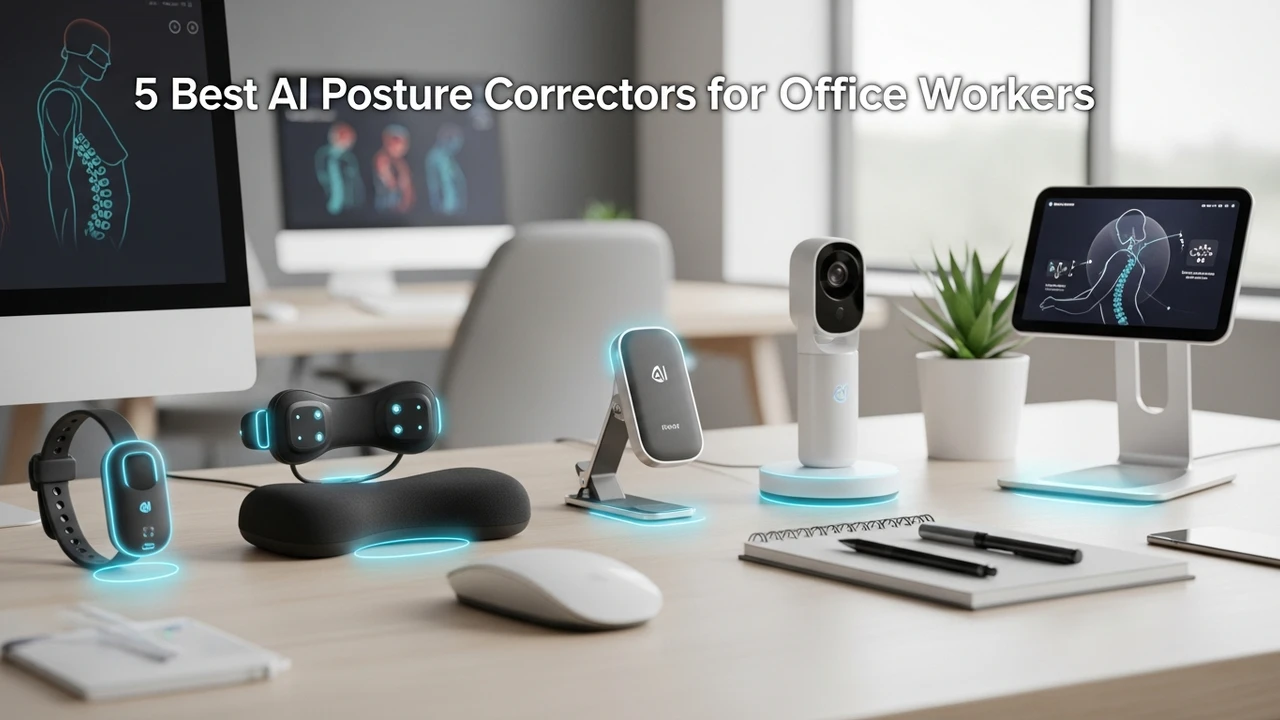
Fix your posture with the 5 best AI-powered tools. Learn how these devices and apps help you maintain a healthy spine while working.
5 Best AI Posture Correctors for Office Workers
If you spend eight hours a day hunched over a laptop, you know the feeling. By 3 PM, your shoulders are creeping up toward your ears, your lower back is screaming, and you feel like a human question mark. We have all been there. The good news is that technology has finally caught up to our bad habits. AI-powered posture correctors are changing the game for office workers, moving beyond those uncomfortable, stiff braces of the past into smart, wearable tech that actually trains your muscles to hold you upright.
Understanding AI Posture Correction Technology
Unlike traditional braces that physically force your shoulders back, AI posture correctors use sensors—usually accelerometers and gyroscopes—to track your spine's position in real-time. When you start to slouch, the device detects the deviation from your calibrated 'neutral' position and provides gentle feedback. This could be a subtle vibration, a sound, or a notification on your phone. It is essentially a digital coach that sits on your back, reminding you to engage your core and keep your chest open.
Top 5 AI Posture Correctors for Daily Office Use
1 Upright Go 2
The Upright Go 2 is arguably the gold standard in this category. It is a tiny, discreet device that sticks to your upper back using medical-grade adhesive. It is incredibly lightweight, so you will forget you are wearing it within minutes. The companion app is where the magic happens; it tracks your posture stats throughout the day and provides a personalized training plan. It is perfect for people who want data-driven results without bulky equipment. Price: Approximately $99.
2 Lumo Lift
Lumo Lift takes a slightly different approach by clipping onto your clothing near your collarbone. It is great for those who don't like adhesives on their skin. It uses a simple vibration to nudge you when you slouch. It is very user-friendly and works well for people who wear professional attire, as it can be hidden under a blazer or shirt. Price: Approximately $79.
3 Alex Posture Tracker
Alex is a neck-worn device that sits comfortably around your neck and rests on your upper back. It is highly sensitive and can be adjusted to your specific needs. What makes Alex stand out is its ability to track forward head posture, which is a massive issue for those of us staring at screens all day. It connects to a robust app that gives you detailed reports on your progress. Price: Approximately $120.
4 BackEmbrace
While not strictly 'AI' in the sense of a digital sensor, many modern versions now integrate with posture-tracking apps to provide a hybrid experience. It is a wearable brace that provides physical support while the app monitors your movement patterns. It is ideal for those who need a bit more physical structure to help them break the habit of slouching. Price: Approximately $60.
5 Zikto Walk
This is a unique wearable that focuses on your overall gait and posture while walking, which translates into better posture while sitting. It tracks your arm swing and shoulder alignment. If you are an office worker who also walks a lot during the day, this is a fantastic dual-purpose tool. Price: Approximately $149.
Comparing Features and Choosing the Right Device
When choosing between these, consider your specific pain points. If you suffer from 'tech neck,' the Alex Posture Tracker is your best bet. If you want something invisible that you can wear under a t-shirt, the Upright Go 2 is the clear winner. For those who prefer not to use adhesives, the Lumo Lift is the most practical choice. Always check the battery life—most of these last about 2-3 days on a single charge, which is plenty for a standard work week.
Integrating Posture Tech into Your Workflow
The key to success with these devices is consistency. Don't try to wear them for 10 hours on your first day. Start with 30-minute sessions to let your muscles adjust. Use the app to set goals, and treat it like a game. When you get that vibration, don't just sit up—take a deep breath, roll your shoulders back, and reset your entire workspace. Remember, the device is just a tool; the goal is to eventually train your brain and muscles to maintain good posture without the need for the sensor at all. Keep your desk ergonomic, keep your screen at eye level, and let these AI tools handle the reminders while you focus on your work.
:max_bytes(150000):strip_icc()/277019-baked-pork-chops-with-cream-of-mushroom-soup-DDMFS-beauty-4x3-BG-7505-5762b731cf30447d9cbbbbbf387beafa.jpg)