5 Best AI Fashion Design Apps for Aspiring Designers
Experiment with clothing designs using the 5 best AI fashion apps. Create sketches and patterns with advanced AI-driven design tools.
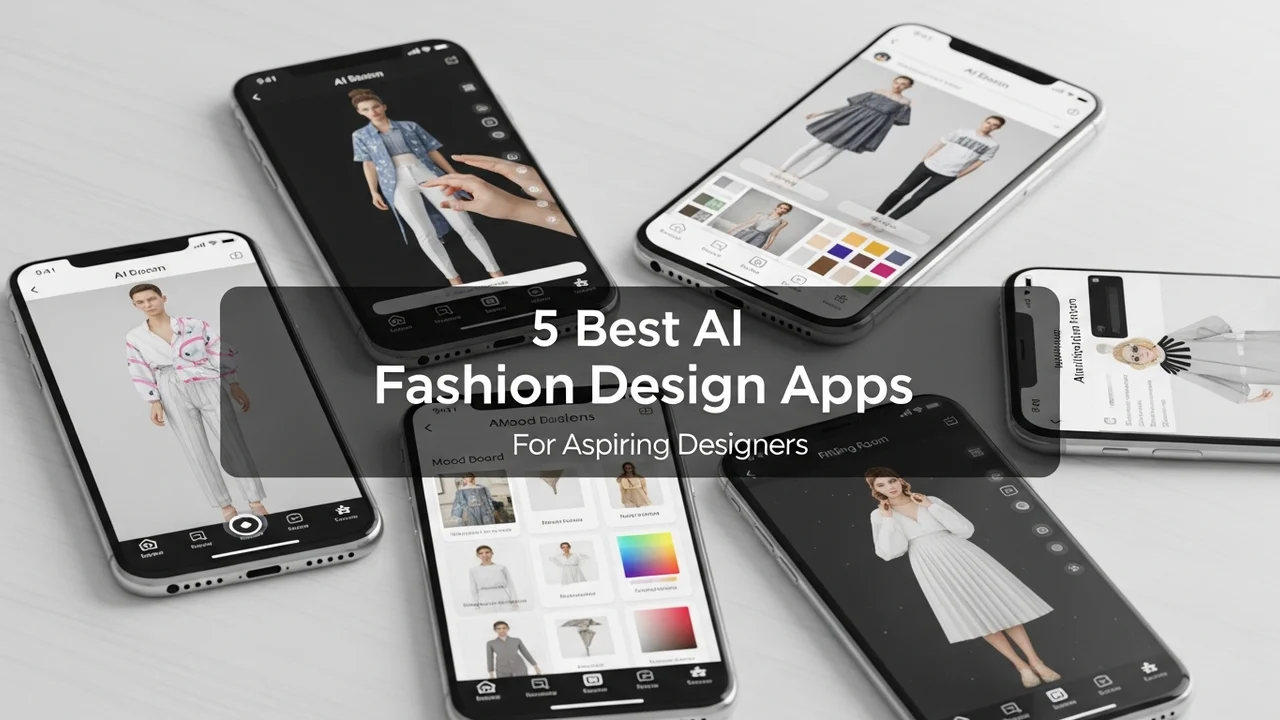
5 Best AI Fashion Design Apps for Aspiring Designers
Experiment with clothing designs using the 5 best AI fashion apps. Create sketches and patterns with advanced AI-driven design tools.
The world of fashion is undergoing a massive digital transformation. If you have ever sat there with a sketchbook, dreaming of the next big runway hit but feeling held back by your technical drawing skills, you are in for a treat. AI fashion design apps are changing the game, allowing anyone from hobbyists to budding professionals to turn abstract concepts into tangible designs in minutes. Let’s dive into the best tools available right now to help you build your brand.
Top AI Fashion Design Software for Creative Pattern Making
When we talk about AI in fashion, we are really talking about speed and precision. The first tool on our list is Adobe Firefly for Fashion. This isn't just a generic image generator; it is integrated into the Adobe ecosystem, meaning you can take your AI-generated textures and apply them directly to vector patterns. It is perfect for those who want to visualize fabric drapes and complex prints without spending hours in Photoshop. Pricing starts at $20/month, making it a professional-grade investment.
Next up is CLO 3D, which has integrated AI-driven fabric simulation. This is the industry standard for 3D garment visualization. You can see how a silk dress moves compared to a heavy denim jacket. It is a bit steeper in the learning curve, but for an aspiring designer, it is the ultimate tool to avoid costly physical prototyping. It costs around $50/month for individual users.
AI Tools for Sketching and Concept Art
If you are more into the conceptual side, Midjourney remains the king of aesthetic inspiration. By using specific prompts like "high-fashion editorial, avant-garde silhouette, silk texture, 8k resolution," you can generate hundreds of design variations in an hour. It is not a pattern-making tool, but it is the best "mood board" generator on the market. Subscription plans start at $10/month.
For those who want something more tailored to fashion sketches, FashionAI is a specialized platform that focuses on garment structure. It helps you generate technical sketches (flats) that you can actually send to a manufacturer. It is incredibly useful for bridging the gap between a pretty picture and a real garment. They offer a freemium model with pro tiers starting at $15/month.
Comparing AI Fashion Design Apps for Your Workflow
Choosing the right app depends on where you are in your journey. If you are just starting, SketchAI is a fantastic mobile-first option. It allows you to draw a rough outline with your finger, and the AI fills in the details, colors, and textures. It is perfect for sketching on the go. It is very affordable, often costing less than $5/month.
When comparing these, consider your end goal. If you want to sell digital fashion, go with CLO 3D. If you want to create a brand identity and visual marketing, Adobe Firefly and Midjourney are your best friends. If you are looking to manufacture physical clothes, FashionAI provides the technical specs you need to communicate with factories.
Practical Use Cases for AI in Your Design Process
Imagine you have a collection idea inspired by the neon lights of Tokyo. Instead of buying fabric swatches and trying to draw them, you can use Midjourney to generate the print, then upload that print into Adobe Firefly to map it onto a 3D model of a hoodie. You can then use CLO 3D to check the fit. This workflow saves you weeks of manual labor. You are no longer just a designer; you are a creative director using AI to execute your vision at lightning speed.
Don't be afraid to mix and match these tools. Many successful independent designers use Midjourney for the initial "vibe check," then move to more technical software to finalize the patterns. The key is to treat these apps as assistants, not replacements for your unique creative voice. Your taste, your color choices, and your understanding of trends are what will make your designs stand out in a crowded market. Start small, experiment with one tool this week, and see how it changes the way you approach your next collection.
:max_bytes(150000):strip_icc()/277019-baked-pork-chops-with-cream-of-mushroom-soup-DDMFS-beauty-4x3-BG-7505-5762b731cf30447d9cbbbbbf387beafa.jpg)