5 Best AI Image Generators for Digital Artists
Explore the 5 best AI image generators for creating stunning digital art. Compare artistic styles, resolution, and ease of use for creators.
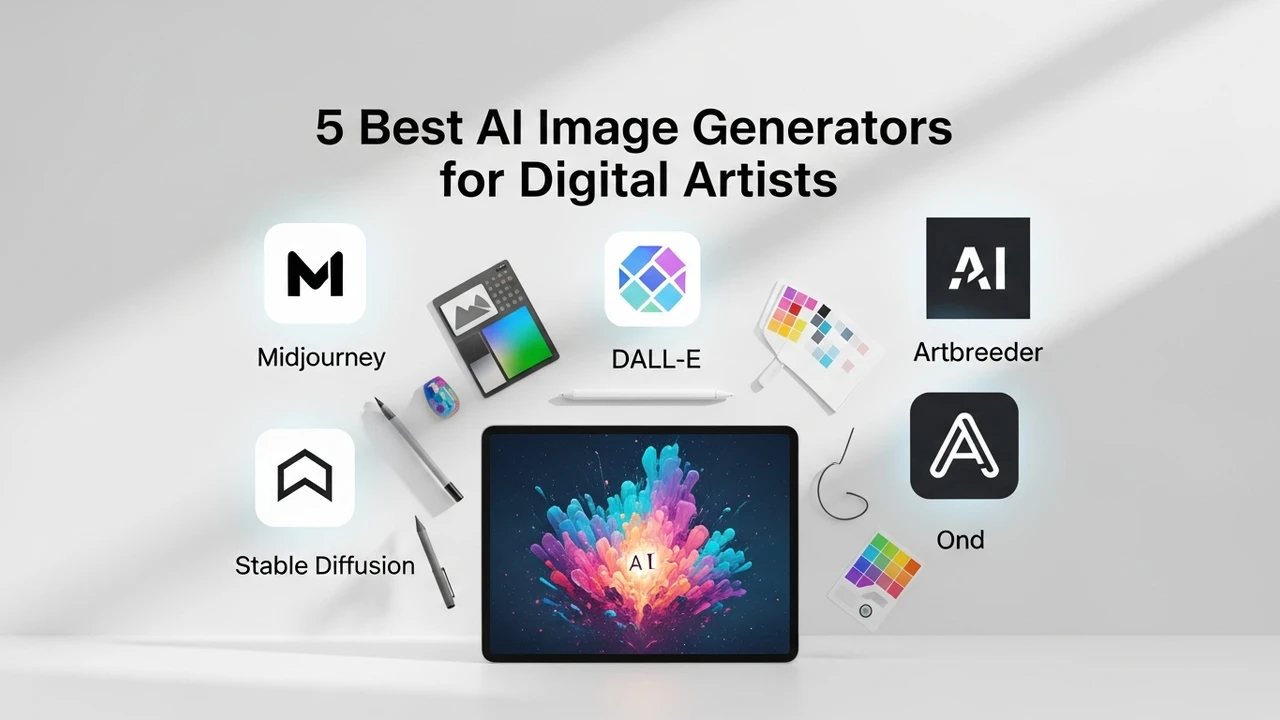
5 Best AI Image Generators for Digital Artists
Explore the 5 best AI image generators for creating stunning digital art. Compare artistic styles, resolution, and ease of use for creators.
If you have been scrolling through social media lately, you have probably noticed a massive shift in how digital art is being created. It is not just about brushes and tablets anymore; it is about how you can harness the power of artificial intelligence to turn a simple thought into a visual masterpiece. Whether you are a professional illustrator looking to speed up your workflow or a hobbyist wanting to experiment with new aesthetics, AI image generators have become the ultimate creative sidekick. But with so many tools popping up, it is easy to feel overwhelmed. Let’s dive into the top five contenders that are currently changing the game for digital artists.
Midjourney for High Fidelity Artistic Style and Creative Control
When we talk about artistic quality, Midjourney is almost always the first name that comes up. It is widely considered the gold standard for artists who prioritize aesthetic beauty and complex composition. Unlike some other tools that feel a bit robotic, Midjourney has a unique way of interpreting prompts that results in textures and lighting that look incredibly painterly and professional. It operates primarily through Discord, which might feel a bit quirky at first, but once you get the hang of the commands, the results are unmatched. It is perfect for concept art, character design, and mood boarding. Pricing starts at around $10 per month, and for that, you get access to a community of creators and a high-speed generation queue. If you want your art to look like it belongs in a high-end gallery, this is your go-to.
DALL E 3 for Seamless Integration and Prompt Accuracy
If you are someone who struggles with complex prompting, DALL E 3 is going to be your best friend. Developed by OpenAI, this tool is integrated directly into ChatGPT, making it incredibly user-friendly. The biggest advantage here is its ability to understand nuance. You can ask it to change a specific detail in an image—like changing a character's shirt color or adjusting the background lighting—without having to regenerate the entire piece from scratch. It is fantastic for storytellers and comic book creators who need consistency. In terms of cost, it is often bundled with the ChatGPT Plus subscription, which is $20 per month. It is a great all-rounder for those who want a balance between power and simplicity.
Stable Diffusion for Open Source Flexibility and Local Control
For the tech-savvy artists who want total control over their output, Stable Diffusion is the clear winner. Because it is open-source, you can run it locally on your own hardware if you have a powerful GPU. This means no censorship, no subscription fees, and the ability to train the model on your own specific art style. You can use interfaces like Automatic1111 or ComfyUI to fine-tune every single parameter, from the sampling method to the denoising strength. It is definitely a steeper learning curve, but for professional studios or artists who need to integrate AI into a specific pipeline, the freedom it offers is priceless. It is essentially free if you have the hardware, though you might spend a bit on electricity and time learning the ropes.
Adobe Firefly for Professional Workflow and Ethical AI
Adobe has taken a very different approach with Firefly, focusing heavily on the needs of professional designers. The biggest selling point here is that it is trained on Adobe Stock images, meaning it is commercially safe and less likely to run into copyright issues. It is built directly into Photoshop, allowing you to use features like Generative Fill to expand canvases, remove objects, or add elements to existing photos. If you are already deep in the Adobe ecosystem, this is a no-brainer. It feels less like a standalone generator and more like a superpower for your existing design software. Pricing is often included in Creative Cloud plans, making it a seamless addition to your professional toolkit.
Leonardo AI for Game Assets and Specialized Creative Features
Leonardo AI is a hidden gem that has been gaining massive traction among game developers and indie artists. It offers a web-based interface that is much more intuitive than Discord-based tools. What makes it stand out are the specialized models—you can choose models specifically trained for 3D textures, isometric game assets, or even pixel art. It gives you a daily allowance of tokens for free, which is great for testing the waters before committing to a paid plan, which starts around $10 to $12 per month. If you are building a game or need consistent assets for a project, the ability to fine-tune the output for specific game engines makes Leonardo an essential part of your creative stack.
Comparing Features and Choosing the Right Tool for Your Art
Choosing between these five really comes down to what you value most. If you want pure artistic flair, go with Midjourney. If you want ease of use and conversational editing, DALL E 3 is the way to go. If you are a developer or a power user who wants to own your workflow, Stable Diffusion is the only choice. For the corporate designer, Adobe Firefly provides the safety and integration you need, while Leonardo AI is the perfect middle ground for game developers and specialized creators. Think about your current workflow—are you spending hours on backgrounds? Do you need help with character concepts? Pick the tool that solves your biggest bottleneck, and you will find your creative output skyrocketing in no time.
:max_bytes(150000):strip_icc()/277019-baked-pork-chops-with-cream-of-mushroom-soup-DDMFS-beauty-4x3-BG-7505-5762b731cf30447d9cbbbbbf387beafa.jpg)