5 Best AI Vector Graphics Tools for Illustrators
Create scalable vector art with the 5 best AI tools. Compare features for path generation, color filling, and export options.
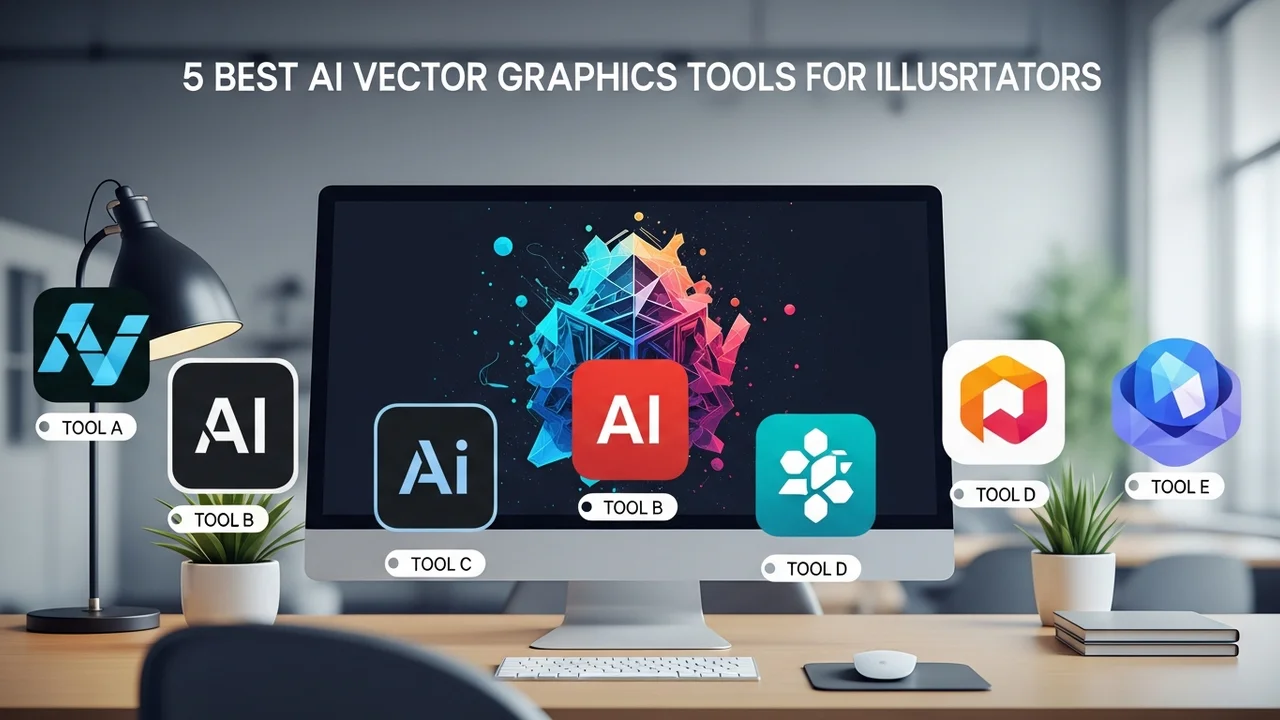
5 Best AI Vector Graphics Tools for Illustrators
Create scalable vector art with the 5 best AI tools. Compare features for path generation, color filling, and export options.
If you are an illustrator or a graphic designer, you know that the transition from raster to vector can be a tedious process. You spend hours tracing paths, adjusting anchor points, and trying to get those curves just right. But what if I told you that AI has finally caught up to the needs of vector artists? We are living in a golden age where AI-powered tools can handle the heavy lifting, allowing you to focus on the creative vision rather than the technical grunt work. Whether you are building a brand identity, designing icons, or creating complex illustrations, these tools are game-changers.
Top AI Vector Path Generation and Automation Tools
When we talk about AI in vector design, we are looking for tools that understand geometry. The best tools today don't just generate pixels; they generate clean, editable paths. Adobe Illustrator has long been the industry standard, but with the integration of Adobe Firefly, it has become a powerhouse. You can now type a prompt and get a vector graphic that is fully layered and ready for manipulation. Another standout is Vectorizer.ai, which is perfect for those who have a rough sketch or a low-resolution raster image and need to convert it into a crisp, scalable SVG file instantly. It uses deep learning to trace the image with incredible accuracy, often outperforming manual tracing.
Comparing Features and Workflow Integration
Let's look at how these tools stack up. Adobe Illustrator is the heavy hitter, priced at around $22.99 per month. It is best for professional workflows where you need deep integration with other Creative Cloud apps. On the other hand, Vectorizer.ai is a specialized tool that focuses on one thing: conversion. It is incredibly fast and offers a pay-per-use or subscription model that is much more accessible for freelancers. Then there is Kittl, which is a browser-based design platform that uses AI to generate vector elements on the fly. It is fantastic for social media assets and quick branding projects. Its pricing starts at a very affordable tier, making it a favorite for small business owners.
Real World Use Cases for AI Vector Tools
Imagine you are working on a logo design for a client. You have a rough concept sketched on a napkin. Instead of spending three hours in the software, you take a photo, upload it to an AI vectorizer, and within seconds, you have a clean, scalable path. You can then use an AI color palette generator to test different brand identities. This workflow doesn't replace your skill; it amplifies it. You are still the director, but the AI is your incredibly fast assistant. For game developers, these tools are essential for creating assets that need to be resized for different screen resolutions without losing quality.
Pricing and Accessibility for Modern Illustrators
Cost is always a factor. If you are just starting out, you might want to look at tools like Recraft.ai. It is currently one of the most impressive AI tools for generating vector art from scratch. You can specify the style, the number of colors, and even the complexity of the paths. It offers a generous free tier, which is perfect for experimenting. For those who need professional-grade output, the investment in Adobe Illustrator is usually worth it because of the sheer depth of the toolset. However, don't overlook the power of specialized AI plugins that work directly inside your existing software, as these often provide the best balance of cost and functionality.
Choosing the Right AI Tool for Your Design Style
Ultimately, the best tool depends on your specific needs. If you are a minimalist designer, you will love the clean lines produced by Vectorizer.ai. If you are an illustrator who loves complex, colorful compositions, Recraft.ai will give you more creative freedom. Take some time to test these out. Most of them offer free trials or limited free versions. Don't be afraid to mix and match. I often use one tool to generate the base vector shape and then move it into Illustrator for final refinements. This hybrid approach is how the most efficient designers are working today, saving hours of time while maintaining high-quality output that clients love.
:max_bytes(150000):strip_icc()/277019-baked-pork-chops-with-cream-of-mushroom-soup-DDMFS-beauty-4x3-BG-7505-5762b731cf30447d9cbbbbbf387beafa.jpg)