5 Best AI Sketch to Image Tools for Artists
Turn your rough sketches into masterpieces with the 5 best AI tools. Compare conversion accuracy and artistic style transfer features.
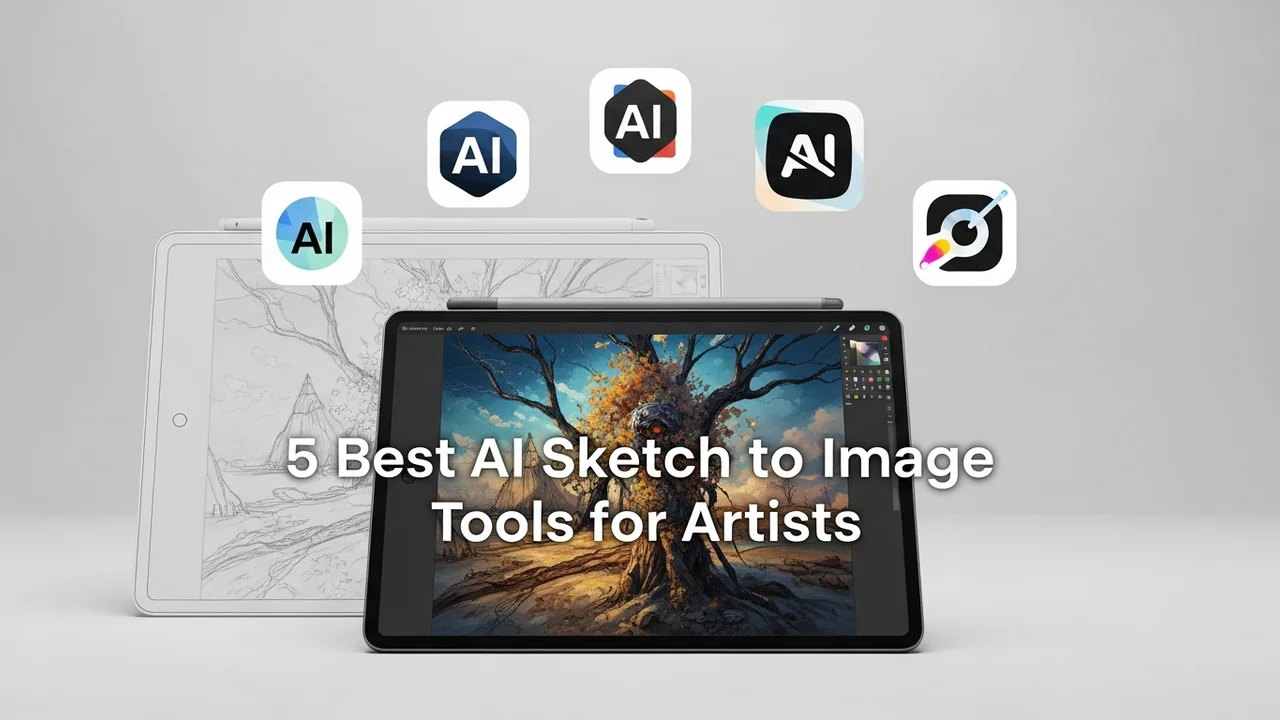
5 Best AI Sketch to Image Tools for Artists
Turn your rough sketches into masterpieces with the 5 best AI tools. Compare conversion accuracy and artistic style transfer features.
Have you ever sat there with a napkin sketch or a messy digital doodle, wishing you could just snap your fingers and turn it into a polished, professional-grade illustration? We have all been there. The gap between a rough concept and a finished piece of art can be massive, often requiring hours of tedious rendering and shading. But thanks to the recent explosion in generative AI, that gap is shrinking fast. Today, we are diving deep into the world of AI sketch-to-image tools—the kind of tech that takes your scribbles and breathes life into them.
Understanding AI Sketch to Image Technology and Workflow
At its core, sketch-to-image AI uses neural networks trained on millions of images to interpret the lines, shapes, and shadows you draw. It is not just tracing; it is interpreting intent. Whether you are a concept artist working on a game environment or a hobbyist trying to visualize a character, these tools act as a force multiplier for your creativity. The workflow is generally simple: you upload your sketch, provide a text prompt to guide the AI, adjust the 'strength' or 'creativity' settings, and watch as the model fills in the details, textures, and lighting.
Top 5 AI Sketch to Image Tools for Digital Creators
Let’s look at the heavy hitters in this space. Each of these platforms offers something unique, whether you are looking for photorealism or stylized anime aesthetics.
1. Stable Diffusion with ControlNet
If you want total control, this is the gold standard. ControlNet is an extension for Stable Diffusion that allows you to feed your sketch into the model as a 'guide.' It respects your lines perfectly while allowing the AI to handle the rendering. It is free if you run it locally, though it requires a decent GPU. For those who prefer the cloud, services like Leonardo.ai integrate this tech seamlessly.
2. Leonardo AI
Leonardo is arguably the most user-friendly platform for artists. Its 'Image Guidance' feature is incredibly intuitive. You upload your sketch, choose a model (like their proprietary 'PhotoReal' or 'Anime' models), and adjust the weight. It is perfect for those who don't want to deal with complex local installations. Pricing starts with a generous free tier, with paid plans around $10-$30 per month.
3. Krea AI
Krea is famous for its real-time generation capabilities. You can draw on one side of the screen and see the AI render the result on the other side in real-time. It is mind-blowing for brainstorming. It is less about 'finalizing' a piece and more about 'exploring' ideas. It is currently in a very accessible beta phase with affordable subscription tiers.
4. Adobe Firefly
Adobe has integrated AI directly into Photoshop. Their 'Generative Fill' and 'Structure Reference' tools are game-changers for professional workflows. If you are already in the Adobe ecosystem, this is the most logical choice. It is safe for commercial use, which is a huge plus for freelancers. It is included in most Creative Cloud plans, or available as a standalone credit-based system.
5. SketchAI
This is a mobile-first approach. If you are sketching on an iPad or a tablet, SketchAI is designed to turn those quick mobile doodles into finished art instantly. It is great for on-the-go inspiration. It uses a simple credit system, making it very easy to pick up and use without a steep learning curve.
Comparing Features and Use Cases for Artists
When choosing your tool, think about your end goal. If you are a professional concept artist, Stable Diffusion/ControlNet is your best bet because of the granular control over composition. If you are a social media creator or a hobbyist, Leonardo AI or Krea AI will save you significantly more time. Adobe Firefly is the clear winner for those who need to integrate AI into a larger design workflow involving typography or layout.
Pricing and Accessibility for Creative Professionals
Most of these tools operate on a 'freemium' model. You get a certain number of generations for free, and then you pay for faster processing or higher resolutions. For instance, Leonardo AI gives you daily tokens, which is great for casual use. Adobe Firefly is a bit more rigid but offers the peace of mind that comes with enterprise-grade software. Always check if the tool allows for commercial usage rights, especially if you plan to sell your AI-assisted art.
Tips for Getting the Best Results from Your Sketches
The AI is only as good as the input you give it. Even though these tools are smart, they still struggle with complex perspective if your sketch is too messy. Try to keep your lines clean and define the main shapes clearly. Use a high-contrast brush—black lines on a white background work best. Don't be afraid to use text prompts to describe the lighting or the material (e.g., 'metallic texture,' 'cinematic lighting,' 'soft morning glow'). This extra layer of detail helps the AI understand exactly what you are aiming for, turning a simple sketch into a professional-looking piece of art in seconds.
:max_bytes(150000):strip_icc()/277019-baked-pork-chops-with-cream-of-mushroom-soup-DDMFS-beauty-4x3-BG-7505-5762b731cf30447d9cbbbbbf387beafa.jpg)