5 Best AI Texture Generators for Game Developers
Create realistic textures for your games with the 5 best AI tools. Compare resolution, tiling capabilities, and material support.
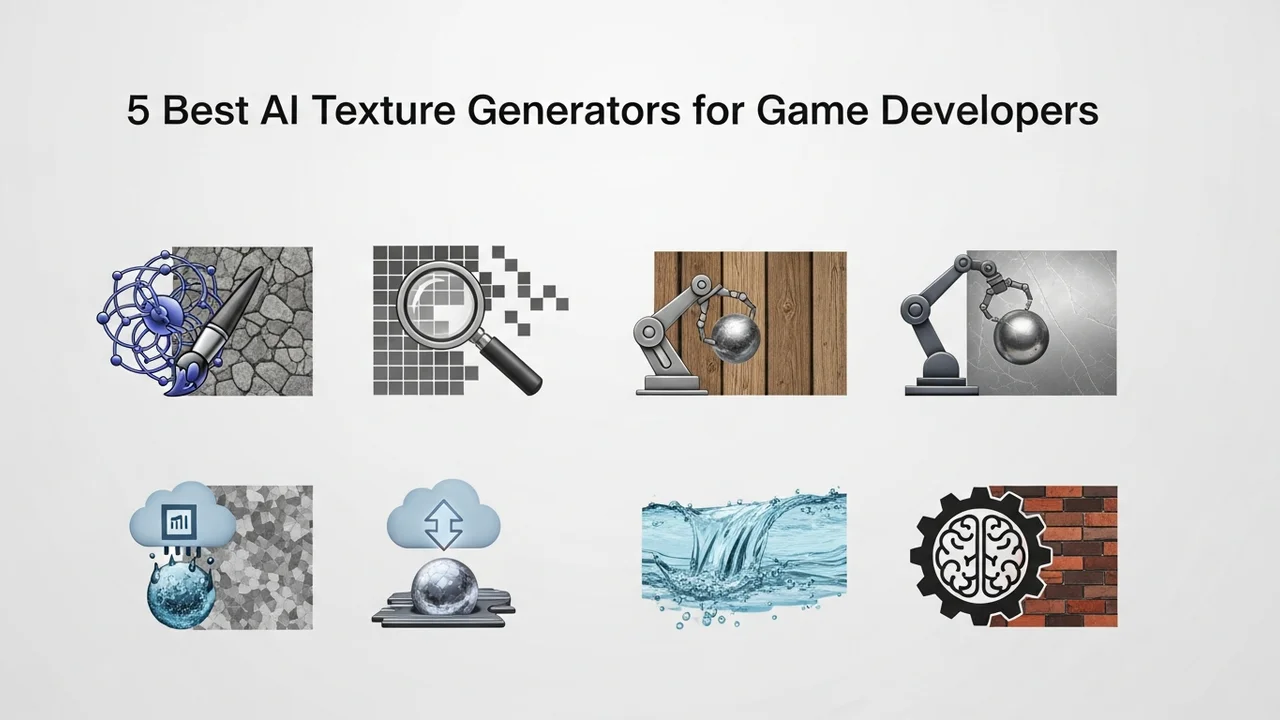
Create realistic textures for your games with the 5 best AI tools. Compare resolution, tiling capabilities, and material support.
5 Best AI Texture Generators for Game Developers
If you have ever spent hours manually painting seamless textures in Photoshop or wrestling with procedural nodes in Substance Designer, you know the pain of asset creation. The good news is that the landscape of game development has shifted dramatically. AI texture generators are no longer just toys for hobbyists; they are becoming essential power tools for indie developers and AAA studios alike. Whether you are building a hyper-realistic open world or a stylized indie platformer, these tools can save you hundreds of hours of grunt work.
Understanding AI Texture Generation and Material Support
At its core, AI texture generation uses deep learning models trained on massive datasets of photographic and artistic imagery. For a game developer, this means you can type a prompt like "weathered medieval stone wall with moss" and get a high-quality diffuse map in seconds. But it is not just about the color. The best tools now support PBR (Physically Based Rendering) workflows, meaning they generate height, normal, roughness, and metallic maps simultaneously. This is a game-changer for anyone working in engines like Unreal Engine 5 or Unity.
Top 5 AI Texture Generators for Modern Game Assets
Let’s dive into the tools that are currently leading the pack. Each of these has a different focus, so choosing the right one depends on your specific pipeline.
1. Polycam AI
Polycam started as a photogrammetry app, but its AI texture generation features are incredibly robust. It is perfect for developers who need real-world textures. You can take photos of real surfaces and let the AI turn them into seamless, tileable materials. It is particularly strong at generating high-resolution normal maps that look great under dynamic lighting. Pricing starts with a free tier, while the Pro version is around $15/month.
2. Leonardo AI
Leonardo is the Swiss Army knife of AI art. Its "Texture Generation" mode is specifically tuned for game assets. What makes it stand out is the ability to control the tiling. You can generate a texture and then use their built-in tools to ensure it repeats perfectly across a 3D mesh. It is excellent for stylized games where you need a specific artistic flair. They offer a generous free daily allowance, with paid plans starting at $10/month.
3. Adobe Substance 3D Sampler
While not a pure "text-to-texture" generator in the same way as others, its AI-powered "Image to Material" feature is industry-standard. If you have a photo of a surface, it uses AI to extract the depth and lighting information to create a professional-grade material. It is a bit pricier, usually part of the Adobe Creative Cloud suite, but for professional studios, it is indispensable.
4. Scenario
Scenario is built specifically for game developers. It allows you to train your own AI models on your game’s specific art style. This is huge. If your game has a unique "cel-shaded" look, you can train Scenario to generate textures that match that style perfectly. This consistency is something generic generators often struggle with. They offer a free trial, with professional tiers starting around $29/month.
5. Blockade Labs Skybox AI
While primarily known for 360-degree environments, their texture generation capabilities are growing rapidly. It is fantastic for creating large-scale background textures or complex environmental surfaces that need to look cohesive. It is very user-friendly, making it a great choice for solo developers who don't want to deal with complex node graphs. Pricing is credit-based, with a free tier available.
Comparing Features and Workflow Integration
When you look at these tools side-by-side, the choice comes down to your workflow. If you are a solo dev, Leonardo AI or Polycam will likely give you the fastest results. If you are working in a team that needs strict style consistency, Scenario is the clear winner because of its model training capabilities. Adobe Substance remains the king of the professional pipeline, especially if you are already using the Substance suite for your 3D modeling.
Resolution is another key factor. Most of these tools output at 2K or 4K, which is standard for modern games. However, always check if the tool supports "upscaling" if you need 8K textures for hero assets. Tiling is non-negotiable; if a tool doesn't offer a seamless tiling option, you will end up spending more time fixing the seams than you would have spent creating the texture from scratch.
Practical Use Cases for Indie and AAA Developers
Imagine you are building a dungeon crawler. You need 50 different types of floor textures. Instead of buying a massive asset pack that might not match your game's lighting, you can use these AI tools to generate a consistent set of stone, wood, and metal textures that all share the same color palette and wear-and-tear style. This creates a level of visual cohesion that makes your game feel much more polished and professional.
Another great use case is rapid prototyping. When you are in the "grey-boxing" phase of development, you don't want to spend time on final art. You can use these AI tools to generate "good enough" textures to test your lighting and scale, and then swap them out for high-fidelity versions later. It keeps the momentum going and prevents you from getting bogged down in asset creation too early in the process.
The barrier to entry for high-quality game art has never been lower. By integrating these AI tools into your workflow, you are not just saving time; you are giving yourself the freedom to iterate faster and experiment with visual styles that might have been too time-consuming to attempt before. Just remember to keep an eye on your licensing agreements, especially if you are using these assets in a commercial project, as some platforms have specific terms regarding AI-generated content ownership.
:max_bytes(150000):strip_icc()/277019-baked-pork-chops-with-cream-of-mushroom-soup-DDMFS-beauty-4x3-BG-7505-5762b731cf30447d9cbbbbbf387beafa.jpg)