5 Best AI Pattern Makers for Textile Design
Create scalable vector art with the 5 best AI tools. Compare features for path generation, color filling, and export options.
Create scalable vector art with the 5 best AI tools. Compare features for path generation, color filling, and export options.
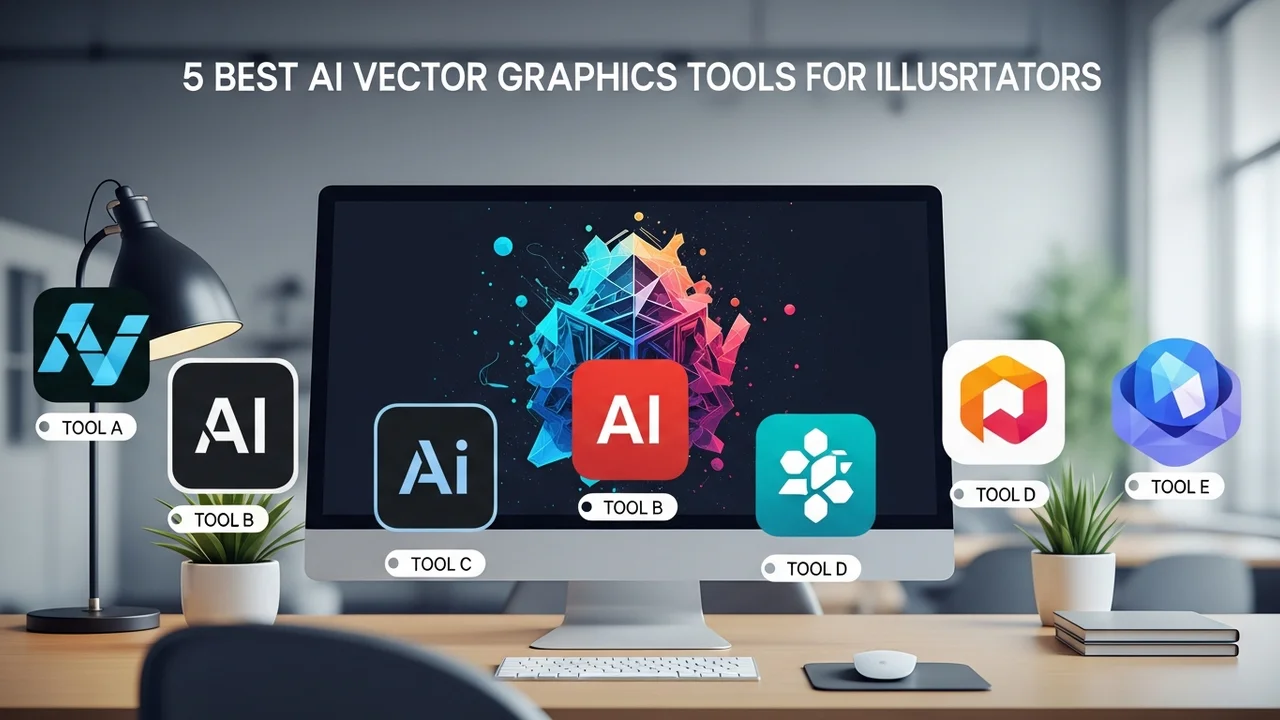
5 Best AI Vector Graphics Tools for Illustrators
If you are an illustrator or a graphic designer, you know that the struggle of creating clean, scalable vector paths is real. You spend hours tweaking Bezier curves, only to realize the composition feels a bit off. Well, the game has changed. AI-powered vector tools are no longer just gimmicks; they are becoming essential parts of the creative workflow. Whether you are working on branding, UI design, or complex illustrations, these tools can save you massive amounts of time.
Top AI Vector Path Generation and Editing Tools
Let’s dive into the heavy hitters. First up is Adobe Illustrator with Firefly integration. Adobe has been the industry standard for decades, and their new AI features are a game-changer. You can type a prompt like "retro badge design for a coffee shop," and it generates editable vector shapes. It’s not just a flat image; it’s a collection of paths you can manipulate. Pricing starts at $22.99/month. It’s perfect for professionals who need deep integration with the Creative Cloud ecosystem.
Next is Vectorizer.ai. This is a lifesaver for anyone who has a low-res sketch or a pixelated logo that needs to be turned into a crisp vector. You simply upload your raster image, and it uses AI to trace the paths with incredible accuracy. It’s much better than the standard "Image Trace" in older software. It currently operates on a credit-based system, making it very affordable for occasional use.
Comparing AI Color Filling and Style Transfer Features
When it comes to coloring, Recolor by Adobe is a standout. You can take a complex vector illustration and instantly swap out color palettes based on mood or brand guidelines. It uses AI to understand the relationship between shapes, so your shadows and highlights stay consistent. It’s a huge time-saver for those who hate manually recoloring hundreds of individual elements.
Then there is Vector Magic. While it’s more of a classic tool, its recent AI updates make it a beast at handling complex gradients and transparency. If you are dealing with messy scans of hand-drawn art, this is the tool you want. It costs a one-time fee of around $295 for the desktop version, which is a great investment if you do this professionally every single day.
Workflow Integration and Export Options for Designers
For those who want a more experimental approach, Kittl is taking the design world by storm. It’s a browser-based platform that combines AI generation with a drag-and-drop vector editor. You can generate icons, illustrations, and typography layouts in seconds. The best part? Everything is fully editable. You can export as SVG, PNG, or even PDF for print. Their pro plan is around $15/month, which is a steal for the amount of assets you can create.
When comparing these, think about your specific needs. If you need raw power and industry-standard file formats, stick with Adobe. If you need quick, high-quality conversions, Vectorizer.ai is your best friend. If you are a social media creator or a small business owner, Kittl will give you the most bang for your buck. Each of these tools handles path complexity differently, so I recommend trying the free trials before committing to a subscription.
Using these tools doesn't mean you're cheating; it means you're working smarter. You’re still the one with the vision, the one making the creative decisions. The AI is just there to handle the tedious, repetitive parts of the job so you can focus on the big picture. Whether you're building a brand identity or just sketching out a new idea, these AI vector tools are going to make your life a whole lot easier.
:max_bytes(150000):strip_icc()/277019-baked-pork-chops-with-cream-of-mushroom-soup-DDMFS-beauty-4x3-BG-7505-5762b731cf30447d9cbbbbbf387beafa.jpg)